
Presio
xyz.presio/presio
Documentation
Presio
Present PDFs from your browser — try it at presio.xyz.
Upload a PDF presentation, get a short link, and control the slideshow from one browser window while viewers watch in another. Presio is a hosted service; this repository is its source code.

Features
- Local by default — your PDF stays in the browser and is never uploaded. Works offline; local presentations are kept for up to 7 days.
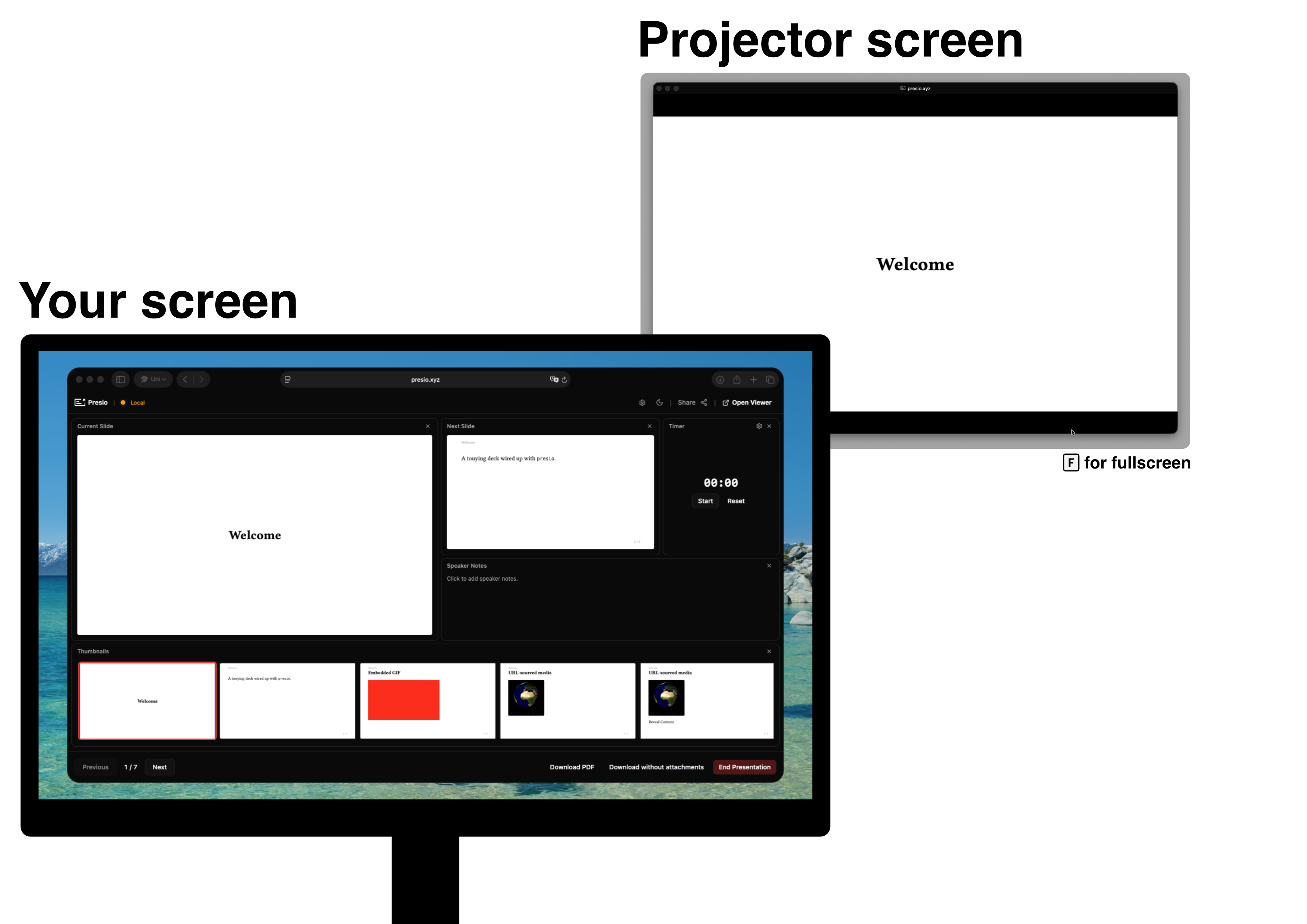
- Controller + viewer — drive slides from the controller window while a viewer window mirrors it, kept perfectly in sync.
- Present across devices — log in and sync online to get a 6-character session code. Viewers enter it on the home page and follow along live over WebSockets.
- Shared control — hand out a controller passphrase to let someone else drive.
- Speaker notes — written next to your current and next slide, rendered as markdown.
- Embedded media — local videos and GIFs, direct video URLs, and YouTube/Vimeo. Playback, autoplay, and seeking all stay in sync with viewers.
- Presentation timer — track how long you've been talking.
- Customizable controller — rearrange the layout and remap keyboard shortcuts.
- Recent presentations — pick up where you left off from the home page.
- Download — anyone can grab the PDF from the presentation view.
- Agent APIs — MCP server and REST API for AI agents; see Use it from an AI agent.
Adding videos and speaker notes
The easiest way to attach videos and speaker notes is the Presio Typst package:
#import "@preview/presio:0.2.1": media, speaker-notes

= Introduction

Hello world.

#speaker-notes[
  Remember to mention the demo before moving on.
]

#media("https://www.youtube.com/watch?v=dQw4w9WgXcQ", width: 60%, aspect-ratio: 16/9)
Presio reads the attached media and notes from the PDF automatically. Notes can also be embedded by hand from plain Typst or LaTeX. See the about page for details.
Self-hosting
Want to run Presio yourself instead of using the hosted service? For a full
deployment (accounts, cross-device sync, your own domain) see
deploy/README.md.
For a single offline container with no accounts and no Supabase — just present PDFs on your own machine or LAN — nothing needs building:
docker run -d -p 3001:3001 -e PRESIO_MODE=local -e LOCAL_DATA_DIR=/data \
  -e TRUST_PROXY=false -v presio-data:/data \
  ghcr.io/benedict-armstrong/presio-local:latest
See "Running fully local / offline" for what this mode does and doesn't include.