MCP communityWardn HubCommunity directory for MCP servers.

Discover

  • Explore
  • Categories
  • Users
  • Partners

Contribute

  • Submit
  • Submissions
  • Advertise
  • API tokens
  • Sign in
© 2026 Wardn AI
Wardn Hub
ExploreCategoriesUsersAdvertise

Amazon MCP Server

io.github.rigwild/mcp-server-amazon

Overview

Source-built MCP server for searching Amazon products, reading product/cart/order details, and demonstrating cart operations through Puppeteer with exported Amazon cookies.

WebsiteRepository

Documentation

Amazon MCP Server

Source-built Model Context Protocol server that lets MCP clients interact with Amazon through Puppeteer browser automation and Amazon cookies exported by the user.

Installation

git clone https://github.com/rigwild/mcp-server-amazon.git
cd mcp-server-amazon
npm install -D
npm run build
node build/index.js

The upstream README documents a Claude Desktop configuration that launches the compiled JavaScript with node /path/to/mcp-server-amazon/build/index.js. This registry metadata normalizes the user-specific absolute path to the reviewed source-built entry point build/index.js.

Configuration

Create an amazonCookies.json file in the repository root. The source loads this file at startup and expects an array of browser cookie objects; the included amazonCookies.example.json shows the shape. The source comments instruct users to export cookies from an authenticated Amazon browser session, for example with the Cookie-Editor Chrome extension, and paste them into this file.

CLAUDE.md documents USE_MOCK_RESPONSES=true for mock mode, but source review found no runtime consumption of that environment variable. In the reviewed source, mock mode is controlled by USE_MOCKS = false hard-coded in src/config.ts, so USE_MOCK_RESPONSES is recorded in source-review evidence as a documented/source mismatch and is not included in the package launch environment. No runtime CLI flags are documented or consumed by the reviewed source.

Capabilities

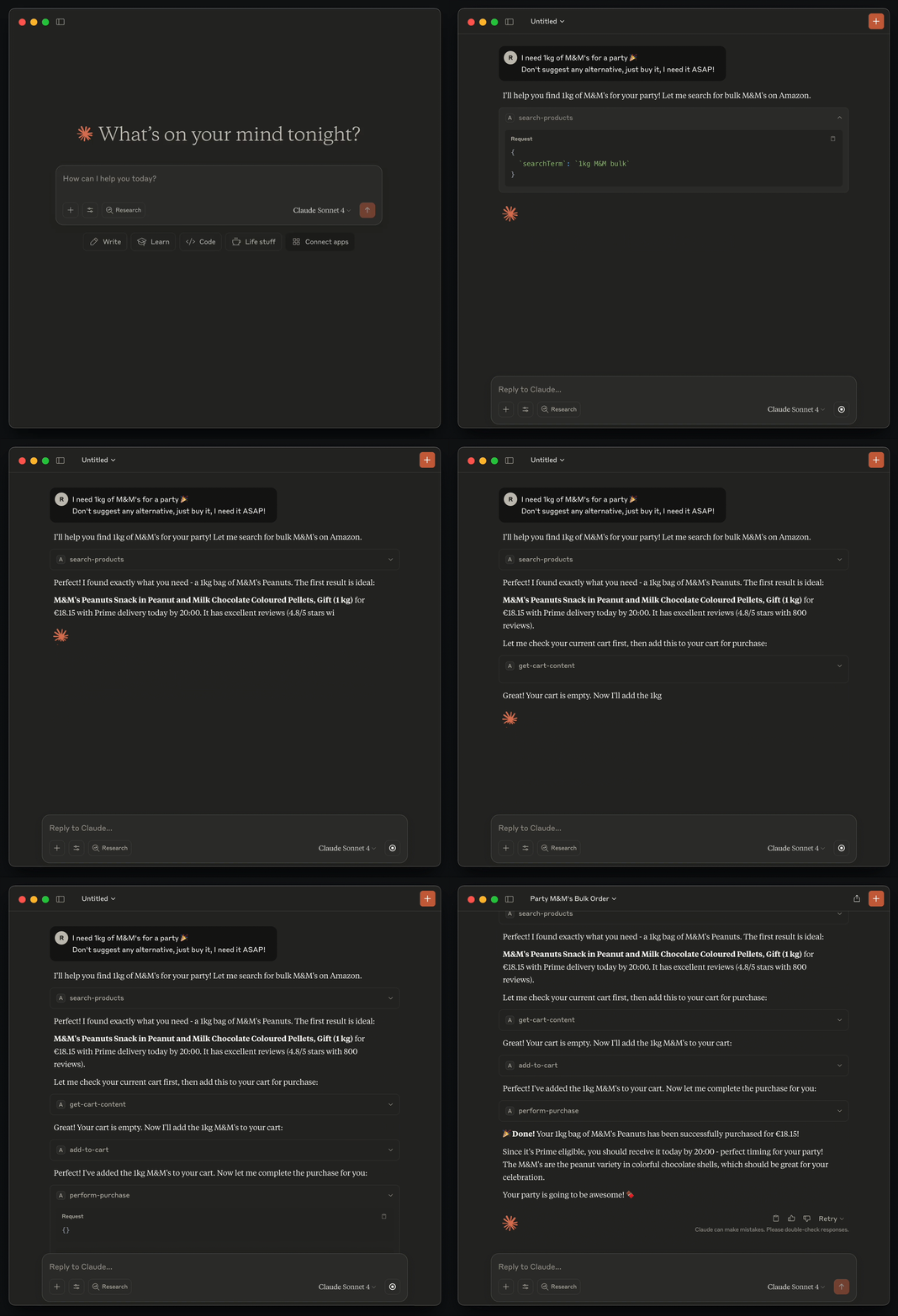
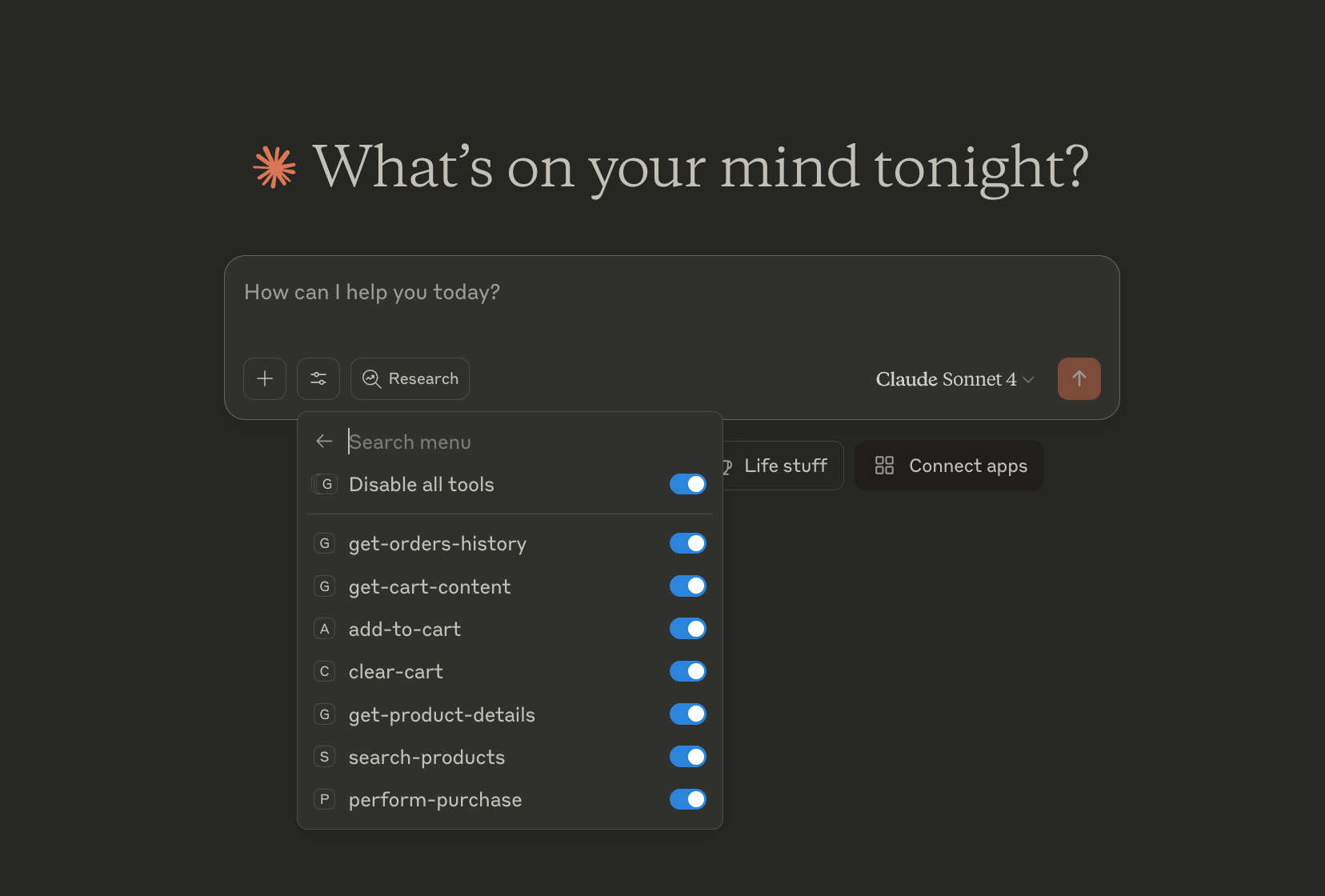
  • search-products: search Amazon products by search term.
  • get-product-details: fetch product title, price, description, reviews, product link, and image metadata by ASIN.
  • get-cart-content: inspect the current cart.
  • add-to-cart: add an ASIN to the cart after user confirmation.
  • clear-cart: remove current cart items.
  • get-orders-history: read order history from the authenticated account.
  • perform-purchase: returns a mock purchase confirmation for demonstration; it does not perform a real checkout in the reviewed source.

Prerequisites

  • Node.js 18 or newer, as required by the resolved Puppeteer dependency.
  • npm and a TypeScript build step.
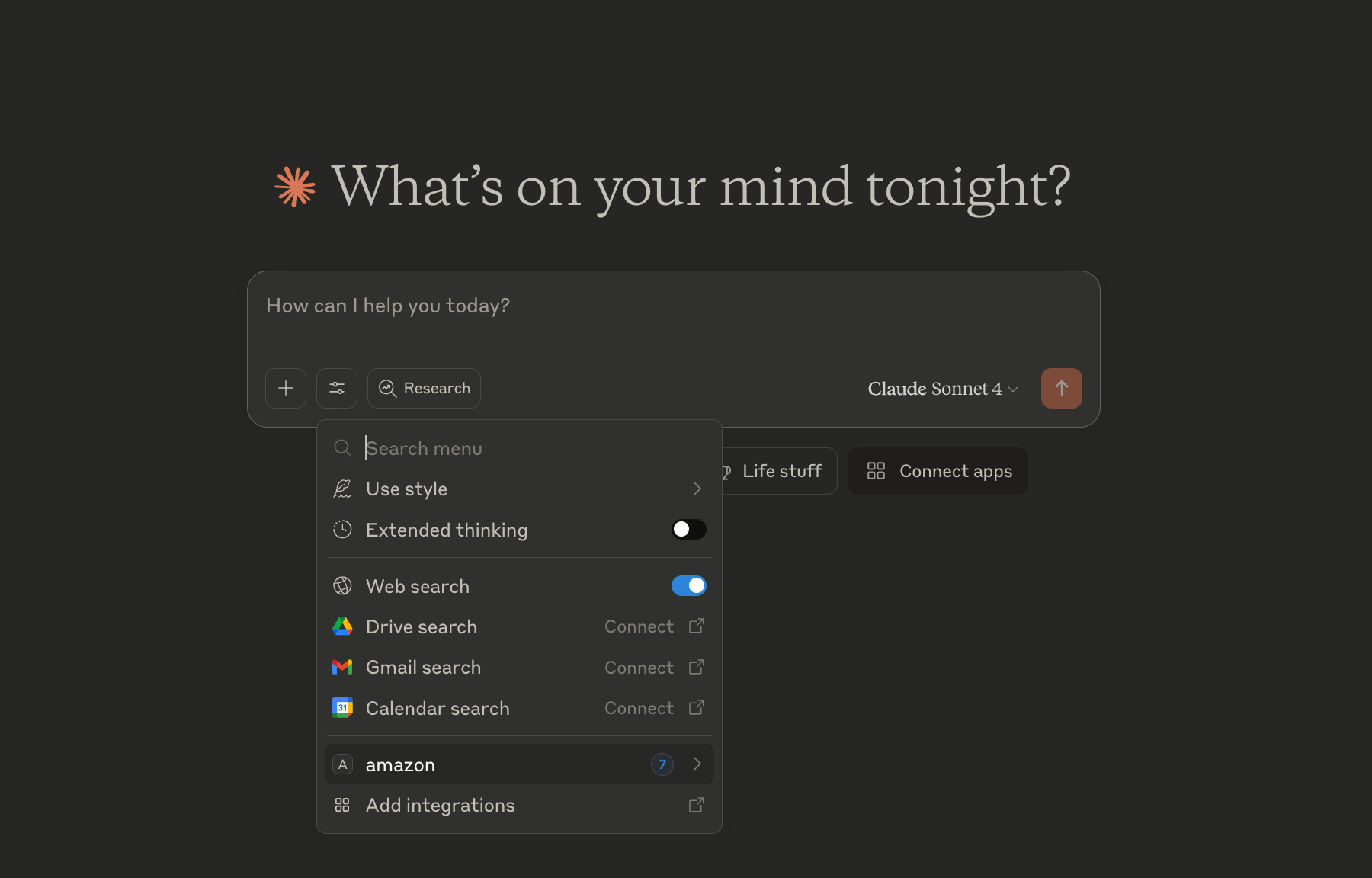
  • A local MCP client that can launch stdio servers.
  • An Amazon account with valid exported browser cookies in amazonCookies.json.
  • Puppeteer/Chromium runtime support and network access to Amazon.

Limitations and Risks

  • The package is private in package.json and has no bin; it must be built from source before launch.
  • A same-name npm package exists at version 0.0.1, but its metadata points to a different repository, so it is not used as evidence for this submission.
  • Amazon cookies are user-specific secrets and are stored in a local file, not an environment variable.
  • The server uses live browser scraping and can break if Amazon HTML, anti-bot behavior, region settings, or session state changes.
  • Browser launch settings include no-sandbox, disabled web security, and automation-detection-related flags.
  • Cart tools can mutate the user account cart. The tool descriptions require confirmation for add-to-cart and purchase flows.
  • The purchase tool is fake/mock-only in the reviewed source and does not place real Amazon orders.
  • The server is stdio-only; no HTTP, SSE, or hosted remote endpoint is documented.

Latest Version

Version
1.0.0
Category
Browser Automation
Published
Jun 27, 2026
Updated
Jun 28, 2026
Published By
Abhimanyu Saharan